
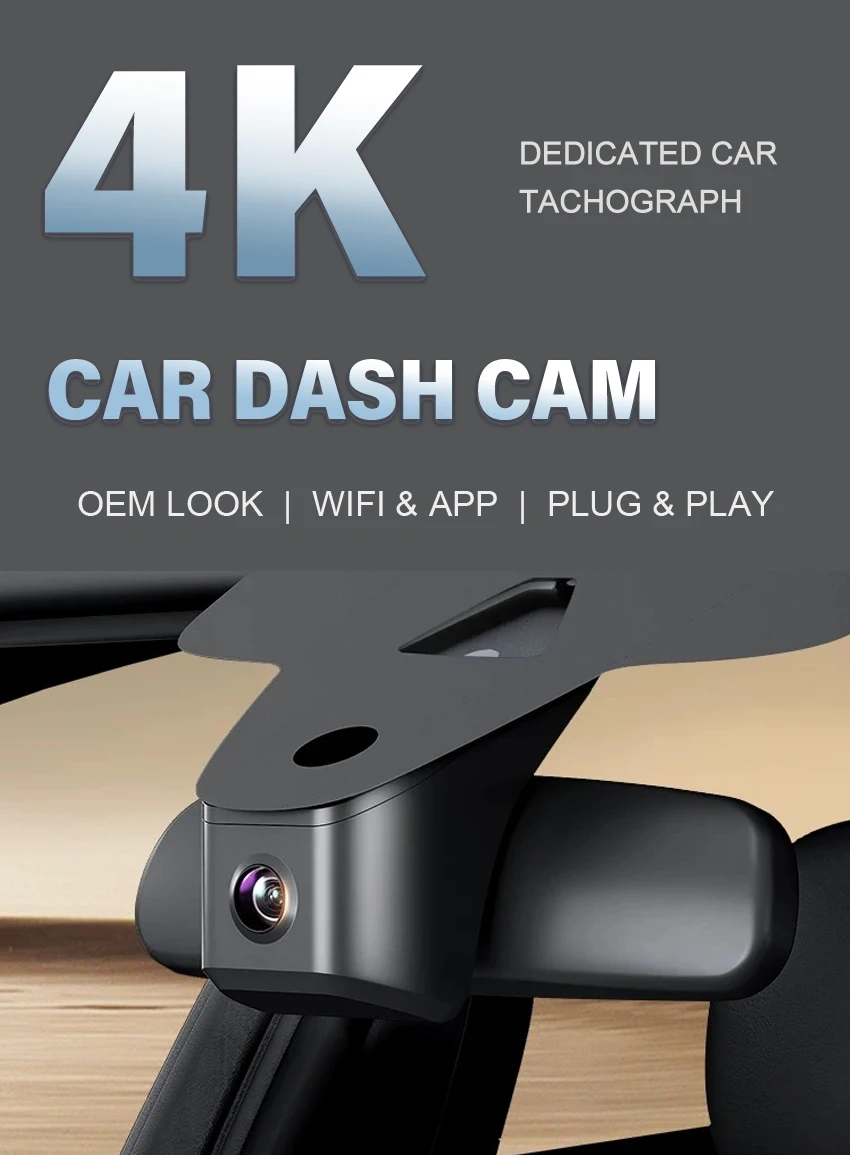
Mazda 2160P DVR Dash Cam
4K Front Cam / No Tf Card
$119.46
Sale price
$119.46
Regular price
$0.00
Skip to product information

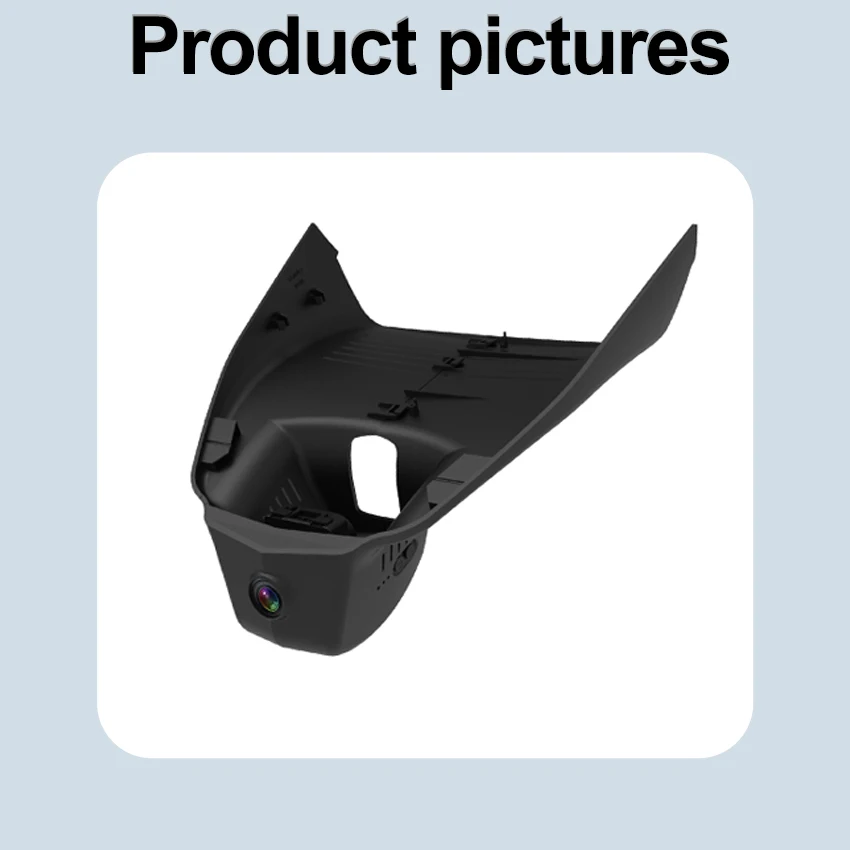


Mazda 2160P DVR Dash Cam
$119.46
Sale price
$119.46
Regular price
$0.00
for Mazda CX-30 CX30 CX-50 CX50 CX-60 CX60 2023 2024 2025 2026
Note:How to choose the correct model. Due to the fact that automotive standards differ from country to country, please make your selection according to the cover of your rearview mirror. When making a purchase, please contact our customer service and send photos!
Friendly reminder: The dash cams in our store are custom-made models designed specifically for particular vehicles. To avoid a situation where the model doesn't match the vehicle, you are required to provide the vehicle model and the production year when making a purchase, and send photos of the installation location to our customer service staff for verification. We will reply to you with relevant information as soon as possible from a professional perspective. Thank you for your cooperation. (For buyers who fail to provide photos for confirmation, the orders they have placed will not be shipped.) If the buyer is unable to install the product after receiving it, all the consequences shall be borne by the buyer themselves.
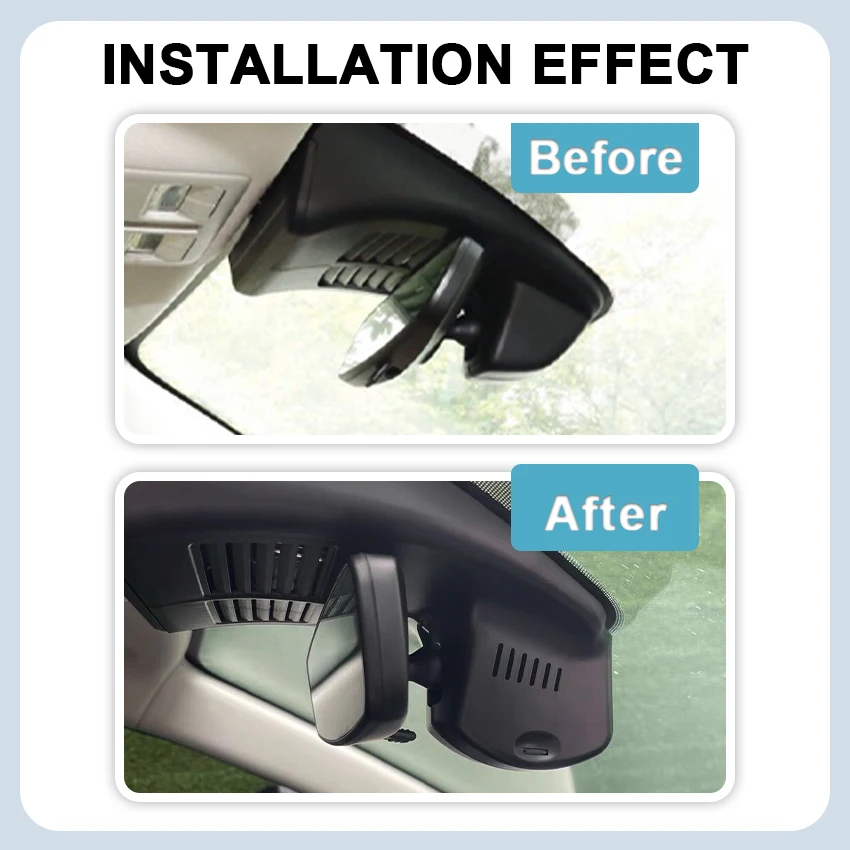
The installation location must be the same as that in the advertisement before it can be suitable for this product.
Perfect fit
Low-key fashion style, perfectly fit your car like original accessories.
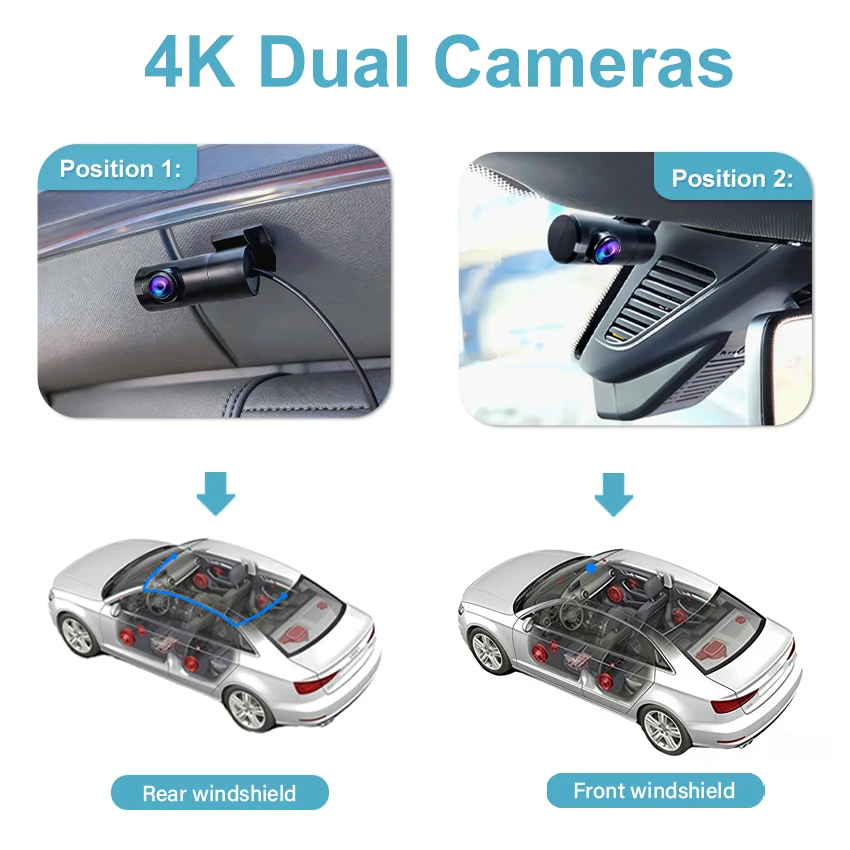
New 1080P Rear Camera
Rear recorder installation location choose one
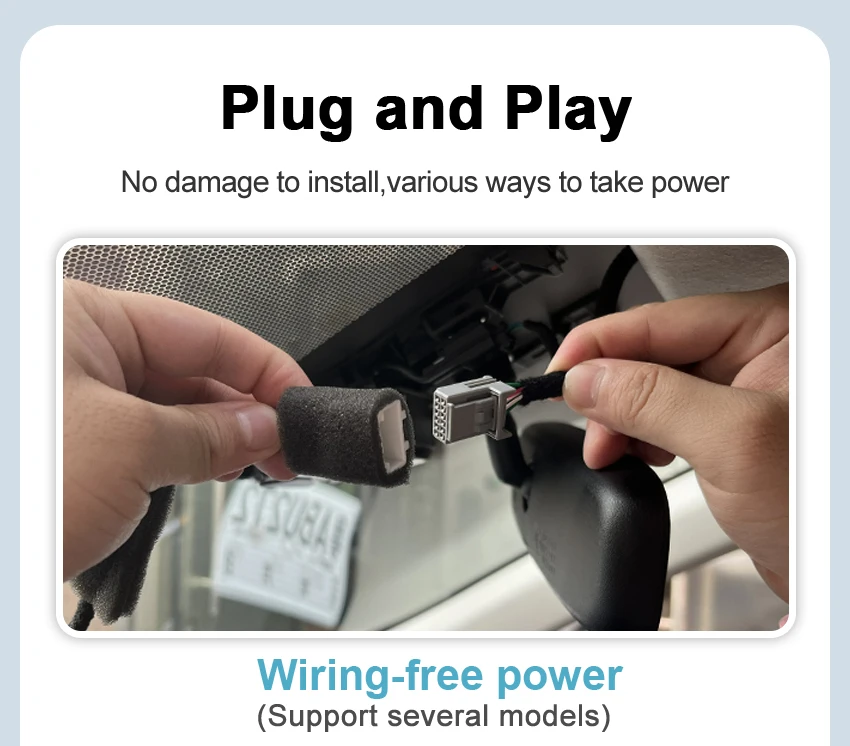
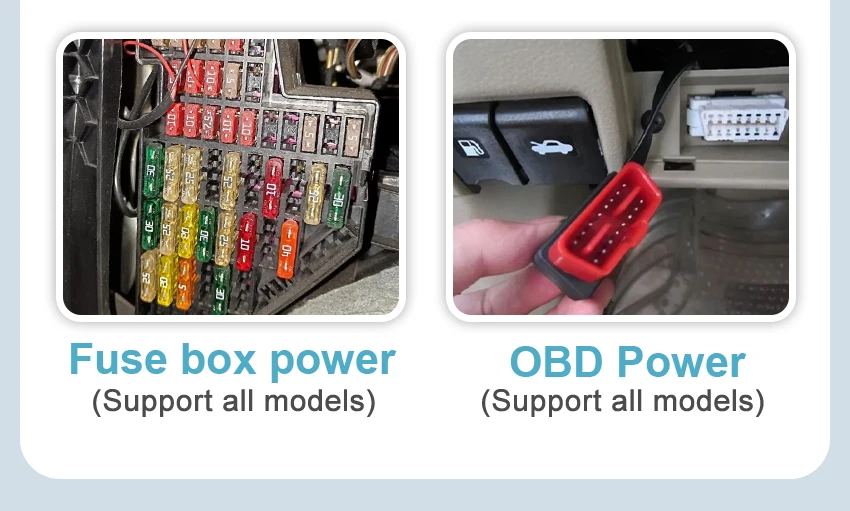
Three ways of power supplyfor more choices
According to different car models, there are three power supply
methods available that comply with vehicle regulations:
① Wire-free (dedicated wire) power supply (no wiring Easy to install)
② OBD power supply (no wiring Easy to install)
③ Fuse box power supply(24-hour parking record,Requires wirin)
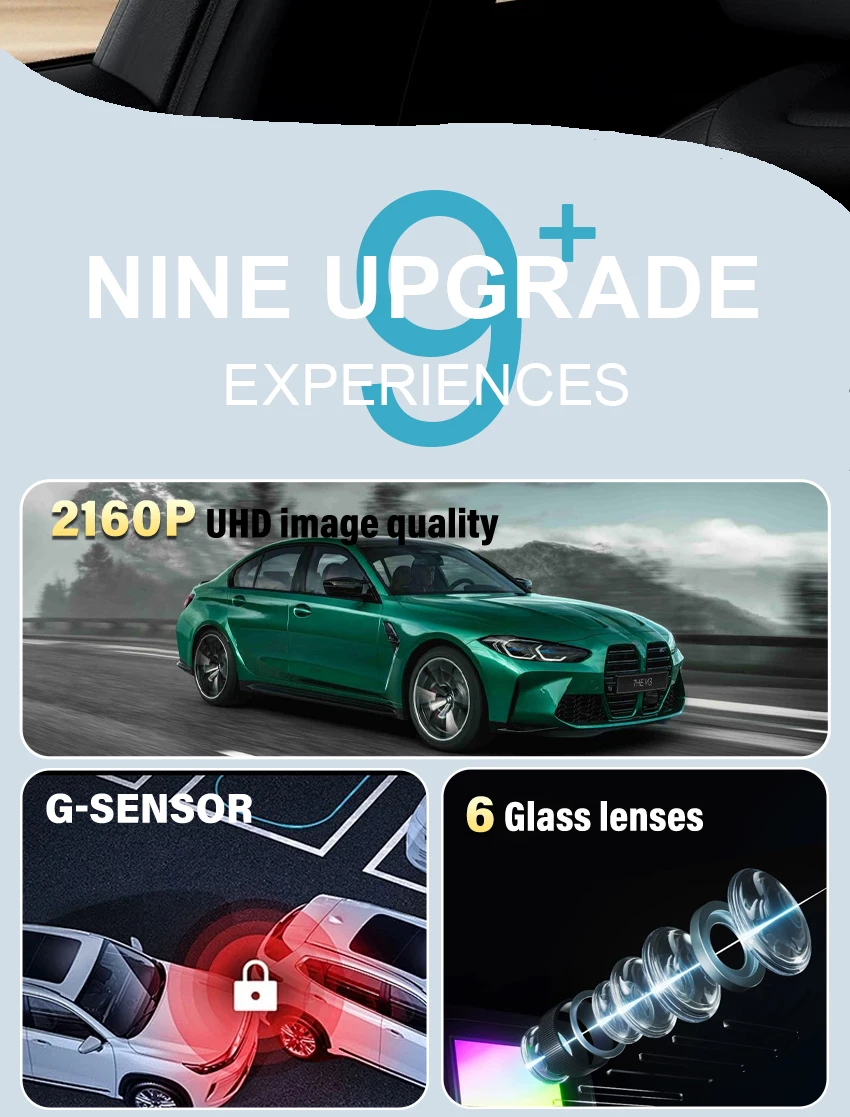
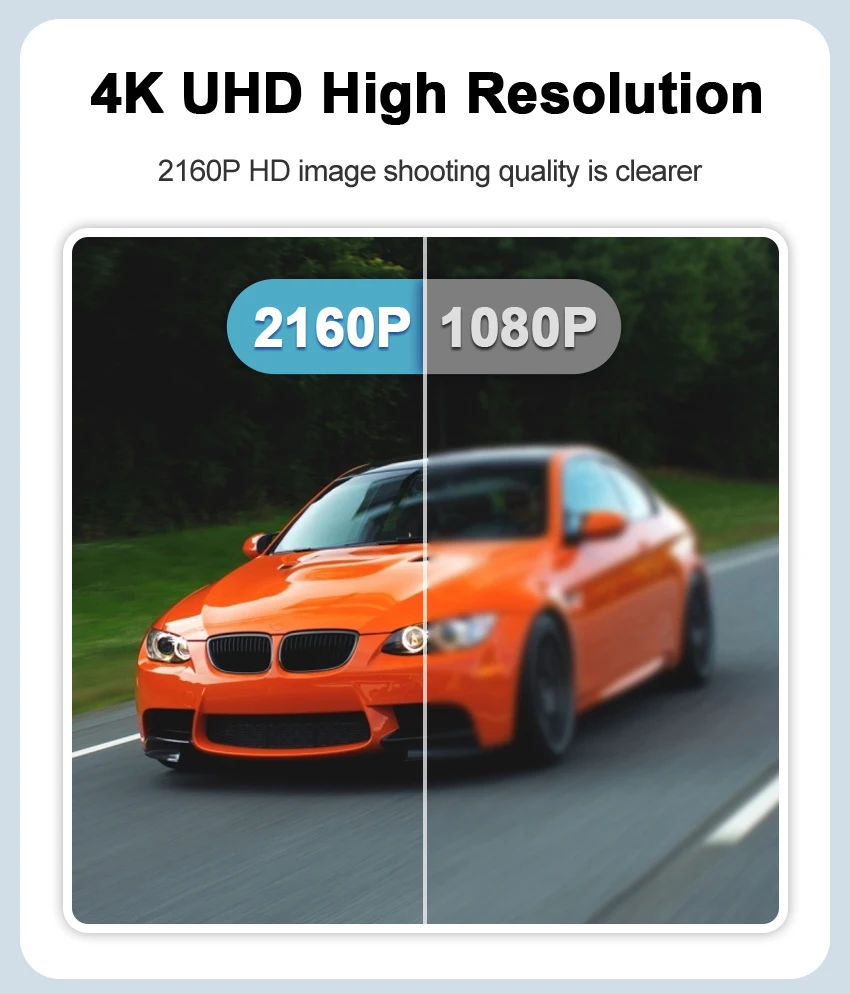
4K UHD High Resolution
2160P HD image shooting quality is clearer
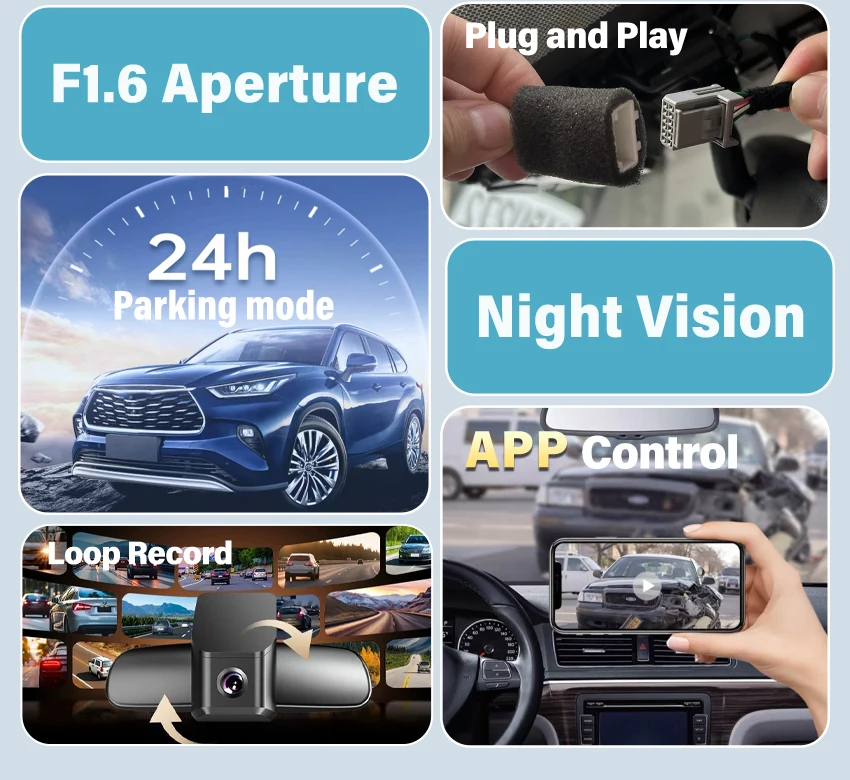
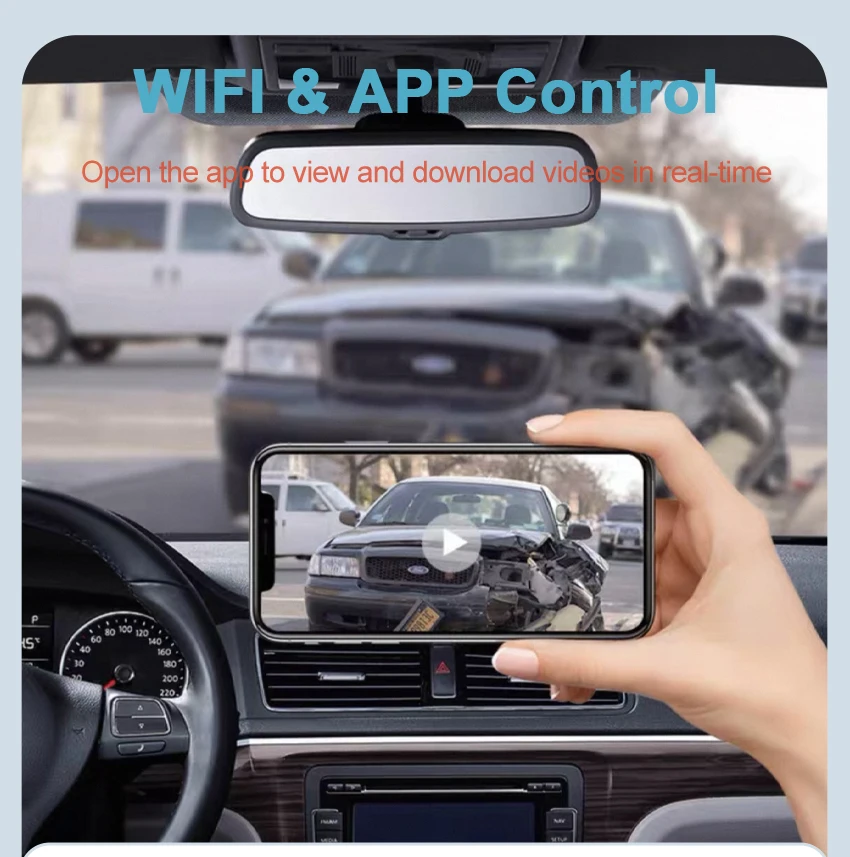
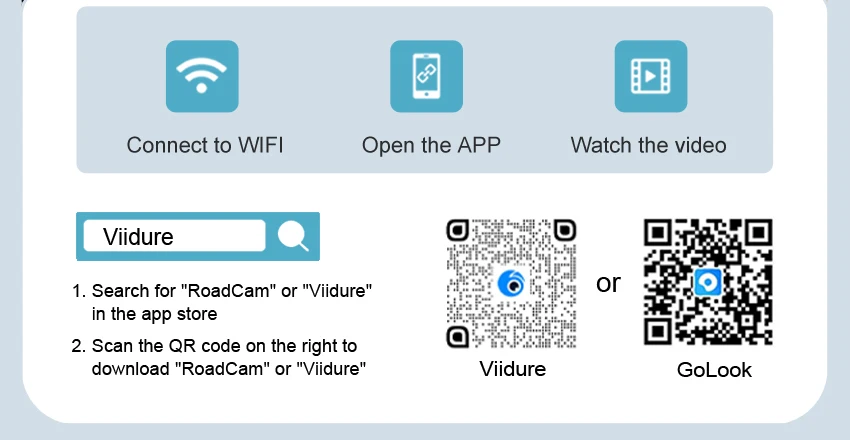
WIFI & APP Control
Open the apo to view and download videos in real-time
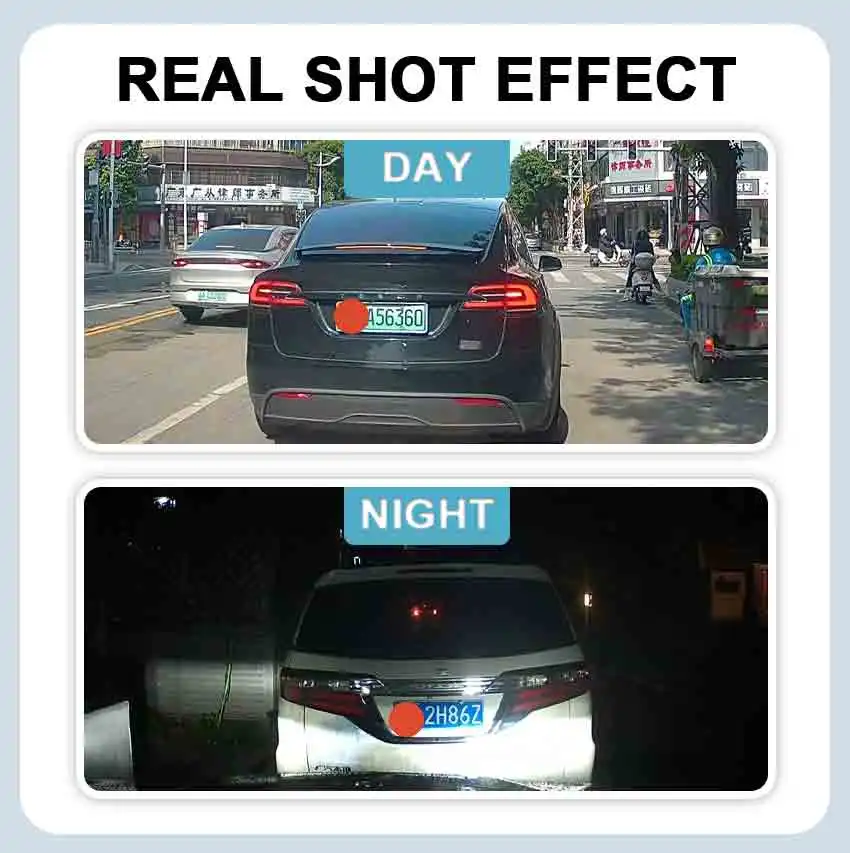
Real Shot Effect
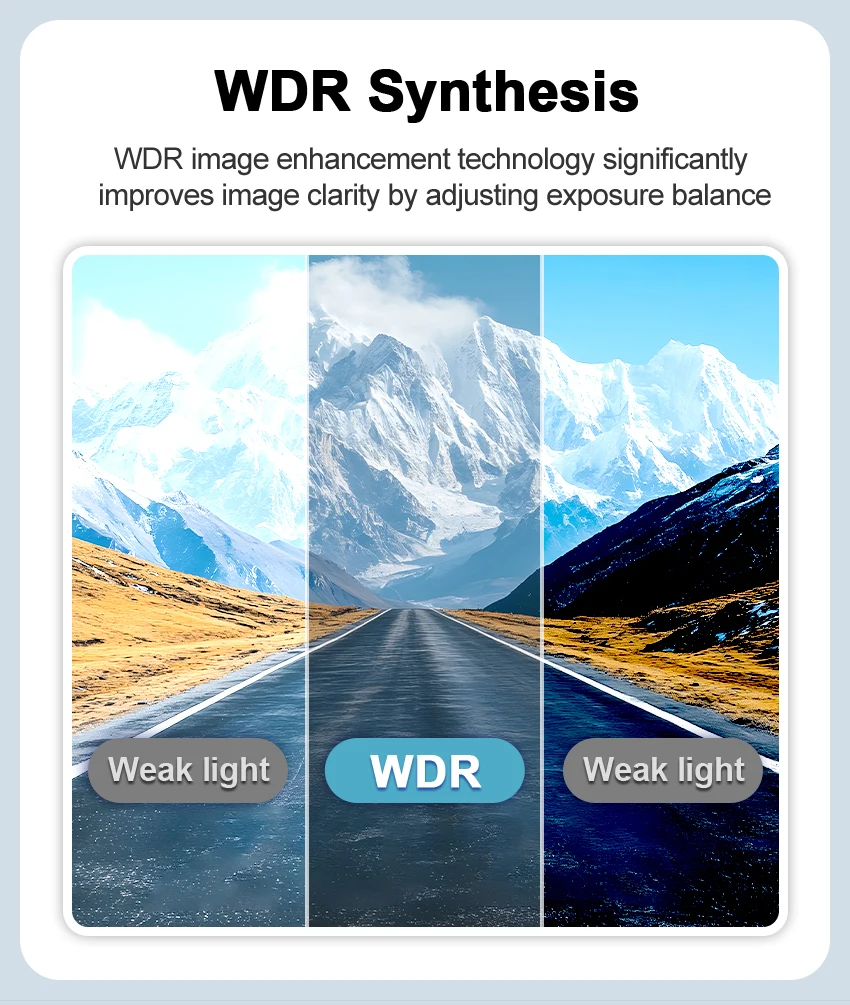
WDR Synthesis
WDR image enhancement technology significantly
improves image clarity by adjusting exposure balance
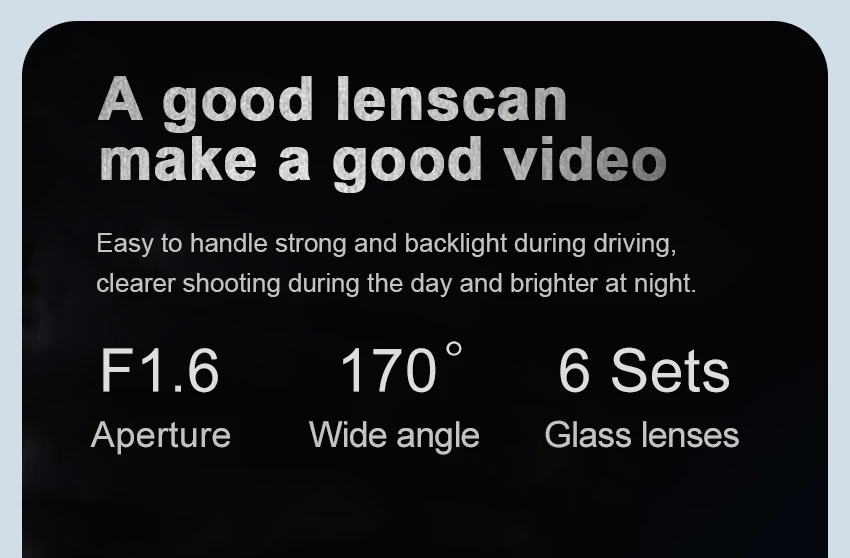
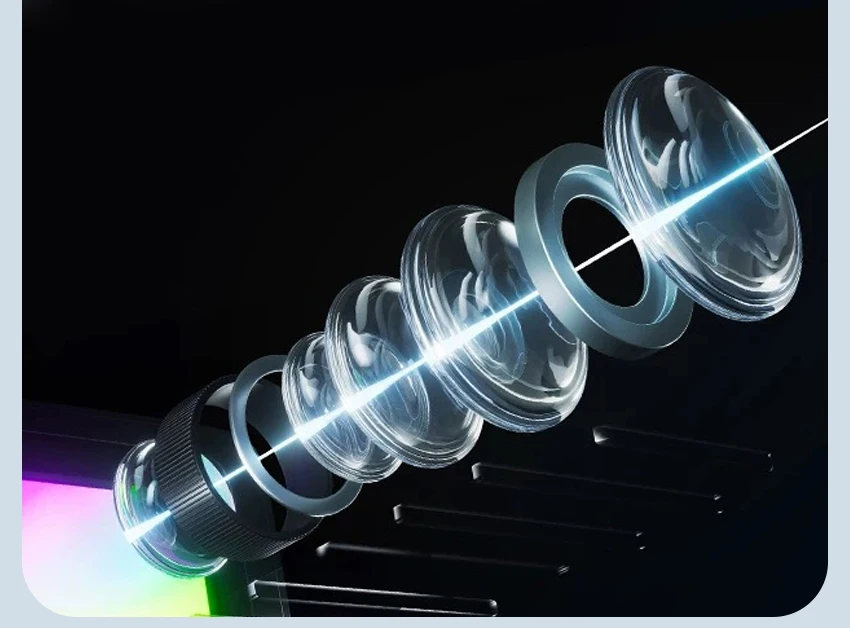
A good lenscan make a good video
Easy to handle strong and backlight during driving.
clearer shooting during the day and brighter at night.
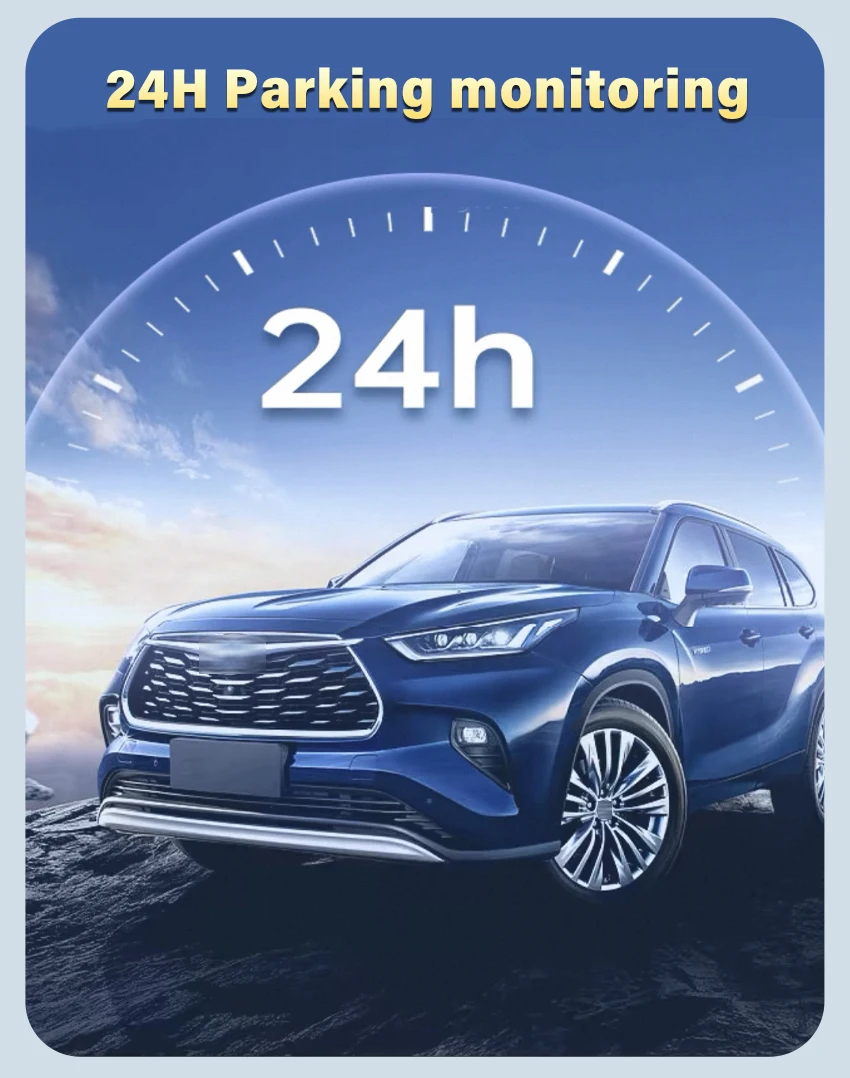
24H Parking monitoring:
Use the ACC cable to connect the fuse for 24-hour monitoring
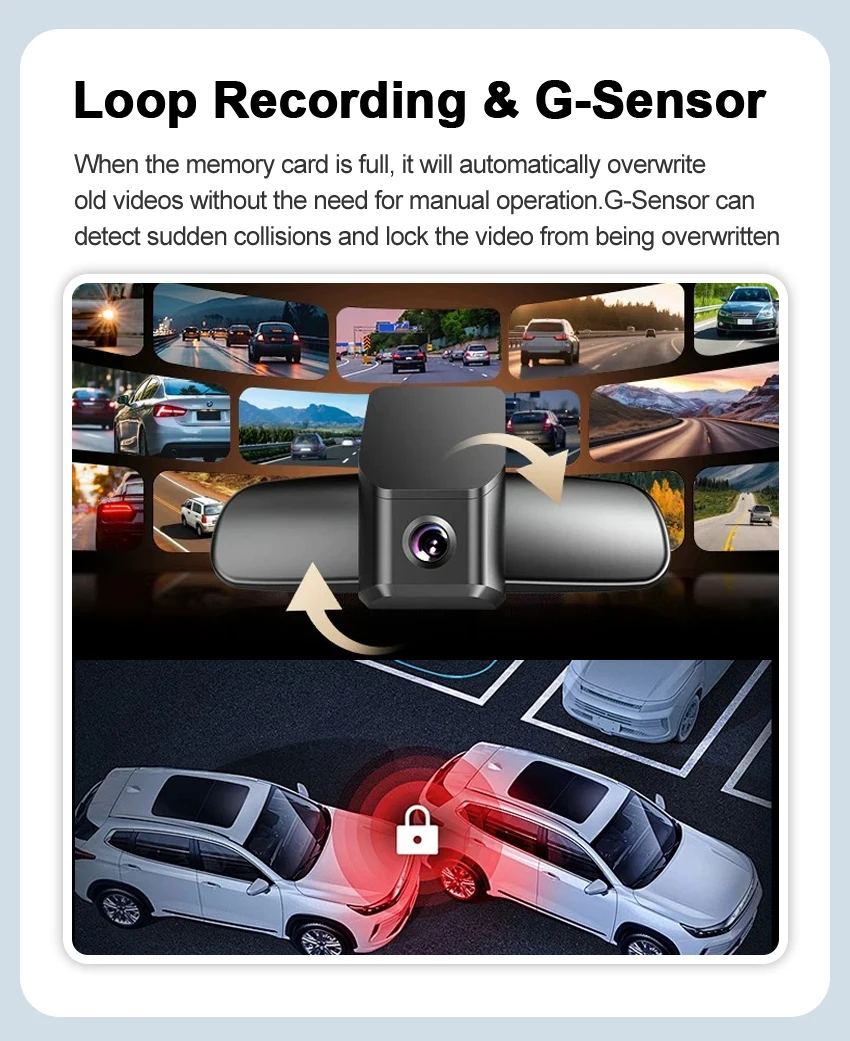
Loop Recording & G-Sensor
When the memory card is full, it will automatically overwrite old videos without the need for manual operation.G-Sensor can detect sudden collisions and lock the video from being overwritten
Warm and Important
Tips About Products:
It would be great if you could tell us the model and year, plus we would also like a photo where we can see the front and side of the rear view mirror cover.
All dash cameras can use up to 128GB memory card.
If you already have our single front camera version installed, you cannot add our rear camera. If you buy the front and rear dual camera version, you can install the front camera and not the rear camera.
Each dash camera is equipped with 1 cable to connect the front camera by default, additional cables cost between US$15 and US$20, if you need them, please let us know.
All pictures are for reference only, different batches with different details, please subject to real product.
About Taxes:
The item price is not including any taxes or charges locally, if the parcel get stuck at local customs, buyer need to contact the customs and do the customs clearance. We won't bear the customs taxes or any fees caused by custom or buyer reject package.
About After-sales:
1.Our store provides a one-year product warranty. If the product has quality problems within one year, we will provide you with free replacement parts. If it is confirmed that it cannot be repaired, we can replace you with a new product for free.(Shipping costs need to be borne by the buyer)
2.For damage caused by accident, misuse or modification, if replacement parts are required, the buyer is responsible for part cost and shipping.
3.For non-quality returns, if you prefer to get a full refund, you can apply for a return within 15 days of receiving the goods, and the buyer is responsible for the return shipping.
About Delivery:
We will send the items within 5 working days after getting your payment. We do not support modifying the receipt information after payment, please check the receipt information before paying.
About Feedback:
Five-Star feedback is our expectation. We hope that you can contact us before you leave a neutral or negative feedback, so that we can help you solve the problem.
Problem 1:
App cannot save settings (default settings are restored after reboot)
Solution:
Solution:
After setting the App, please press and hold the power button of the camera to turn off the camera, then press the power button briefly to turn on the camera.
Problem 2:
Why doesn't my computer play the videos? Or why is the playback video not smooth?
Solution:
1.We recommend the use of PotPlayer and KMplayer players.
2.If the computer configuration is too low, it may cause the playback to not be smooth, especially for 4K resolution videos.
Problem 3:
Why can't you connect 2 phones at the same time?
Solution:
WiFi only supports connecting one phone at the same time; if another phone needs to be connected, you must first disconnect the WiFi of the first phone.
Problem 4:
Why is the timestamp of the video wrong, or there is no recorded video during some time periods, or there is video when the phone is connected, but no video when the phone is not connected?
Problem 5:
What should I do if I forget the WiFi name or password?
Solution:
Press and hold the camera key for 20 seconds, or use a paperclip to press the reset button.
Problem 6:
Do I need to connect the camera WiFi and open the App every time I drive?
Solution:
No need, the camera is automatically turned on and off. The camera will automatically turn on when the car is on and turn off when the car is off.
Problem 7:
What should I do if I can't find the WiFi?
Solution:
1.First, remove the memory card and then search for WiFi, because memory card failure will cause the camera to have no WiFi.
2.Press and hold the camera button for 20 seconds, or use a paper clip to press the reset button. Restore factory settings.
3. Check whether the camera's light is always on. If there is no light, it means there is no power supply, then there will be no WiFi.